Santoku
BetaNo-nonsense Markdown Viewer
Santoku
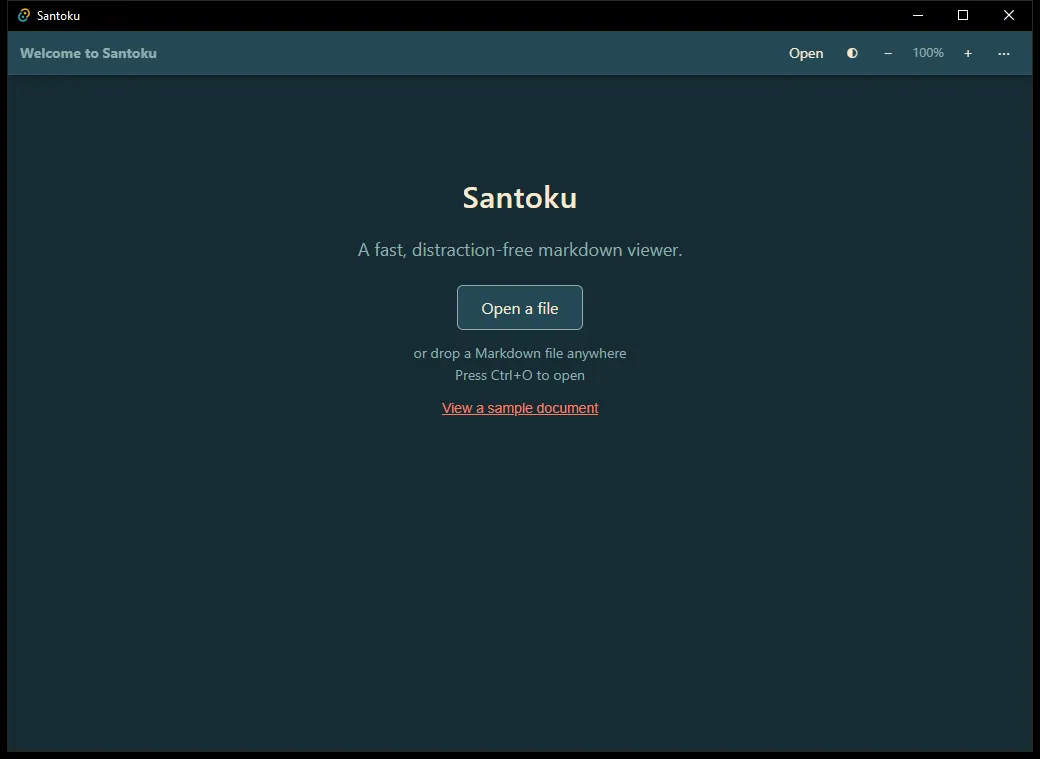
A no-nonsense markdown viewer: it opens a .md file and shows you the rendered document,
instantly - the way an image viewer opens a photo.
Markdown is everywhere - READMEs, notes, specs, changelogs - but opening one still gives you a bad
choice: a text editor showing raw # syntax, a heavyweight IDE that wants a whole workspace, or a
website that asks you to upload your file. There’s no “double-click and it just appears” for
markdown.
Santoku is that.
Instant
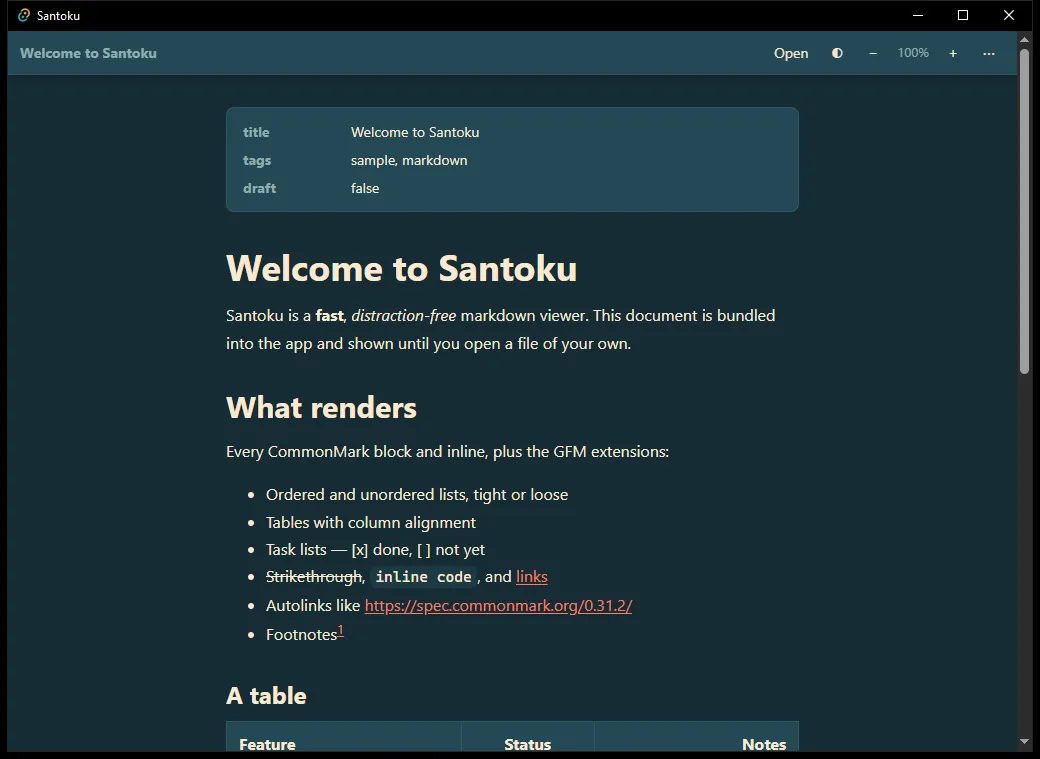
Santoku drives your operating system’s own rendering engine instead of shipping a second browser. The result is a download measured in single-digit megabytes and a cold start to rendered text of well under half a second on ordinary hardware. It opens like a utility, because it is one.
| Build | Size |
|---|---|
| Windows installer | ~3 MB |
macOS universal .dmg |
~6 MB |
| Android APK | ~8 MB |
| Web app (initial download, gzipped) | ~64 KB - Lighthouse Performance 100 |
Reading comes first
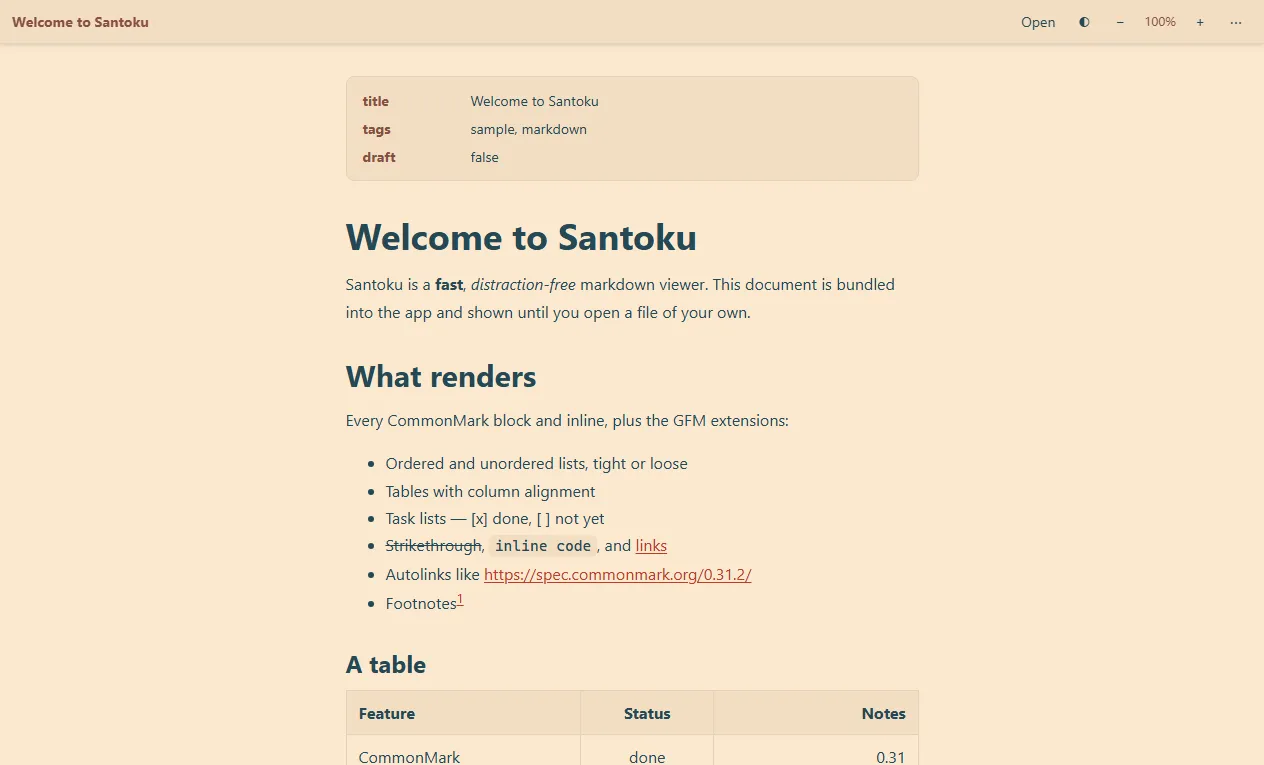
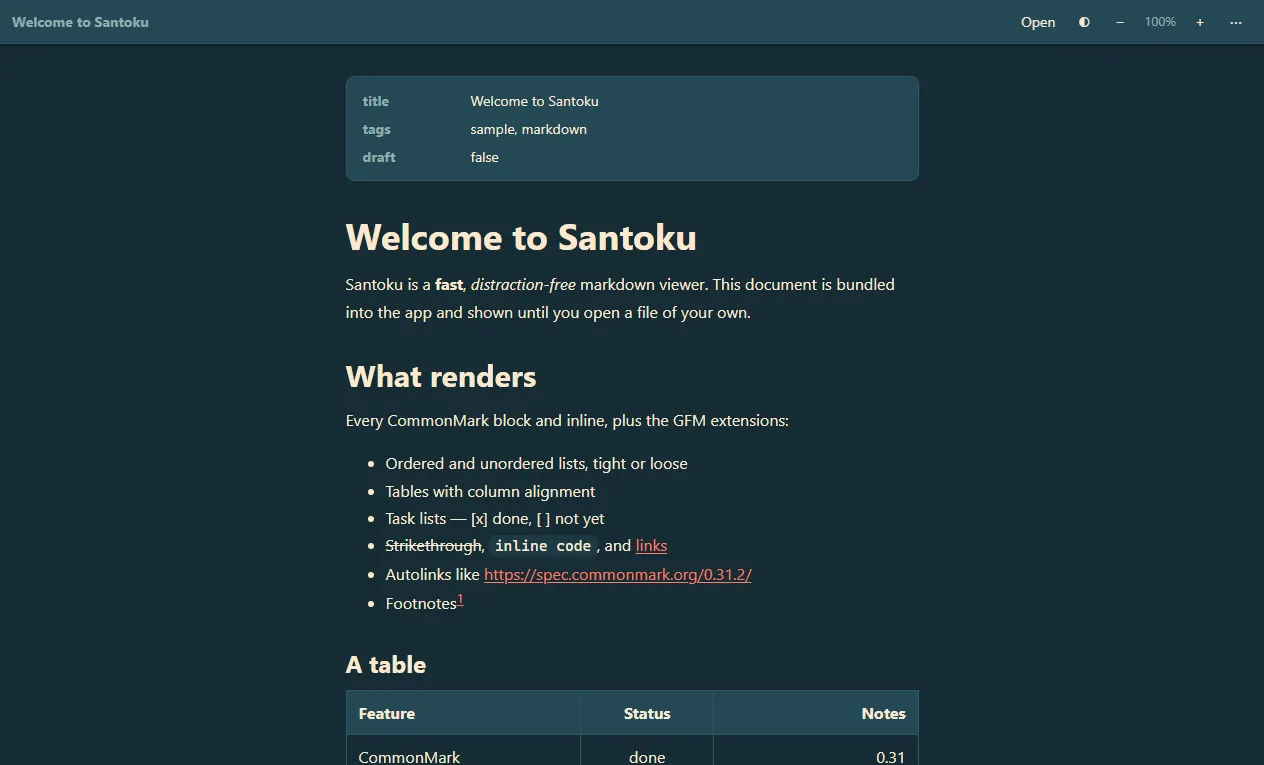
The document is the interface. A slim top bar carries only what you need - open, theme, zoom - and then gets out of the way: scroll down and it slides away, scroll back up and it returns. Front-matter is lifted into a tidy metadata header instead of dumped as text. Nothing between you and the words.
It renders what you actually write
Full CommonMark, plus the GitHub-Flavored extensions people rely on:
- Tables with column alignment
- Task lists, tight and loose lists, nested to any depth
- Strikethrough, inline code, links and autolinks
- Footnotes
- YAML front-matter, shown as a metadata card
- Raw HTML is sanitized, never executed - scripts, iframes and event handlers are stripped
Every platform shares one rendering contract enforced by a conformance test suite, so a document looks the same whether you open it on a laptop or a phone.
Everywhere you have a file
| Platform | How you get it |
|---|---|
| Windows | Installer or a portable .zip - run it from a USB stick, no admin rights |
| macOS | Universal .dmg, Apple Silicon and Intel |
| Linux | .deb, .rpm, or a portable AppImage |
| Android | Open any .md attachment or file and it renders instead of opening a text editor |
| Web | No install at all - and your file never leaves your device; there is no server and no upload |
Light, dark, and follow-the-system themes on every one of them.
Quiet by design
No telemetry. No accounts. No update nags. No network calls you didn’t ask for - the web version literally has no code path that uploads a file. Santoku opens your document and does nothing else.
Download
Coming Soon
Still in a early stage (v0.1.0)
Santoku is early. What’s here works and is fast; a few things people will want are still on the way:
- Set as default
.mdapp / “Open with” - next up - Live reload - keep a file open beside your editor and watch it update on save
- Syntax highlighting in code blocks, and richer image handling
- In-document search and a table-of-contents outline